Every lesson focuses on work you already do: writing formulas, cleaning data, updating reports, checking errors, and building dashboards. You will learn practical workflows you can apply immediately.
Work faster in Excel with AI as your assistant.
AI-Powered Formulas
Use clear AI prompts to write, understand, and troubleshoot formulas faster.
Better Business Dashboards
Turn raw data into clear, professional dashboards that support better decisions.
Fewer Spreadsheet Errors
Use AI-assisted checks to find mistakes before they reach your manager or customer.
Repeatable Workflows
Build reports once, then update them without repeating the same manual steps.
The Transformation
Stop fighting spreadsheets. Start making them work for you.
BEFORE
Rebuilding the same reports every month
Searching online for formulas you do not fully understand
Finding errors after a report has been shared
Spending hours updating dashboards manually
AFTER SPREADSHEETHACKS
Refreshing repeatable reports in a few clicks
Creating formulas you can understand and explain
Catching errors before you send your work
Updating dashboards in minutes instead of hours
THE LADDER
Start free. Go deeper when you’re ready.
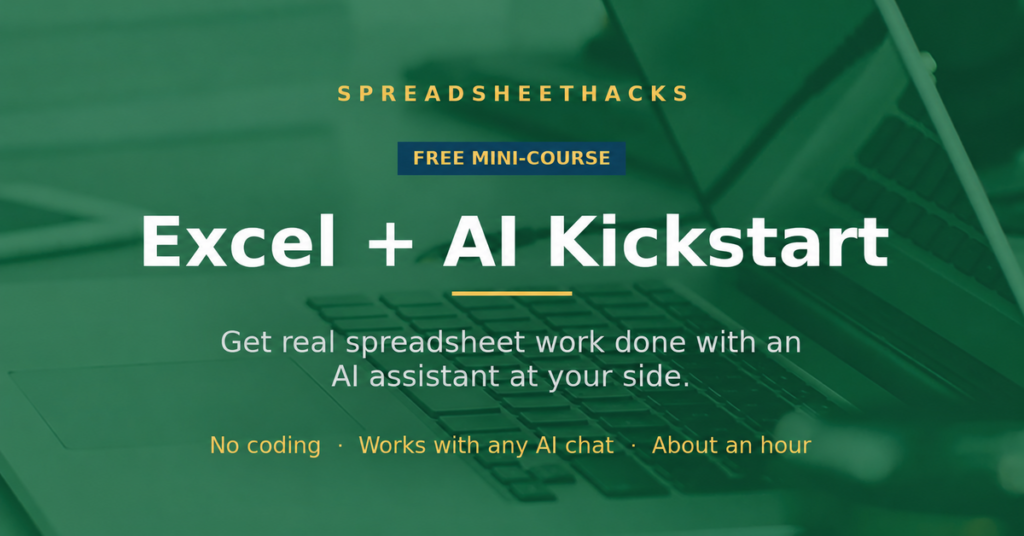
Begin with the free Kickstart on any AI you have. When you want the AI working inside Excel, pick the deep-dive for your tool.
You will learn workflows that combine Excel with widely available AI assistants. The focus is on practical methods you can adapt to the tools available in your workplace.